Guides · Billing and your account
Add an app, and how the discount works
Try an app free, subscribe when you are ready, and pay less for every app as you add more.
An owner or admin adds apps and subscribes.
Find the app
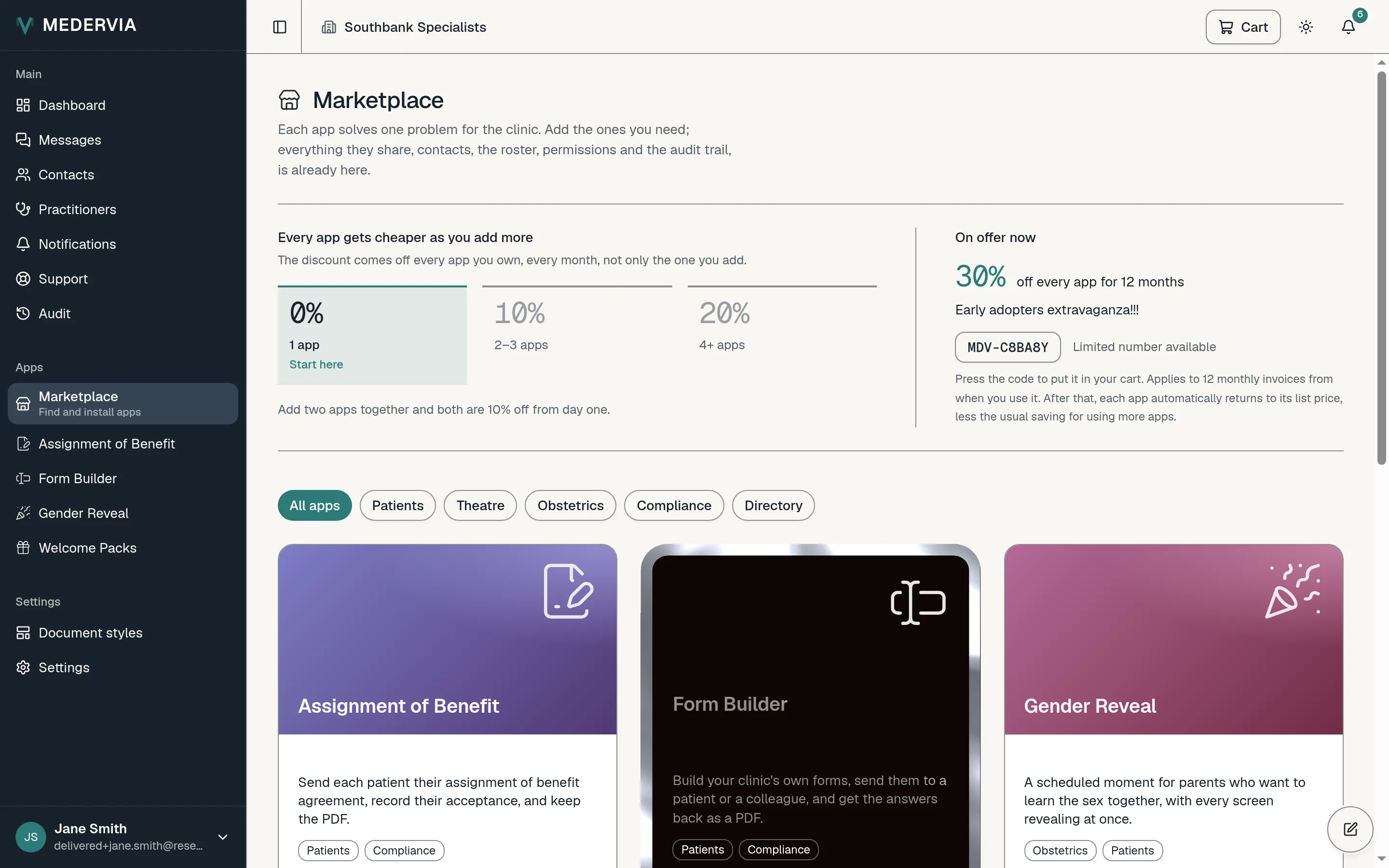
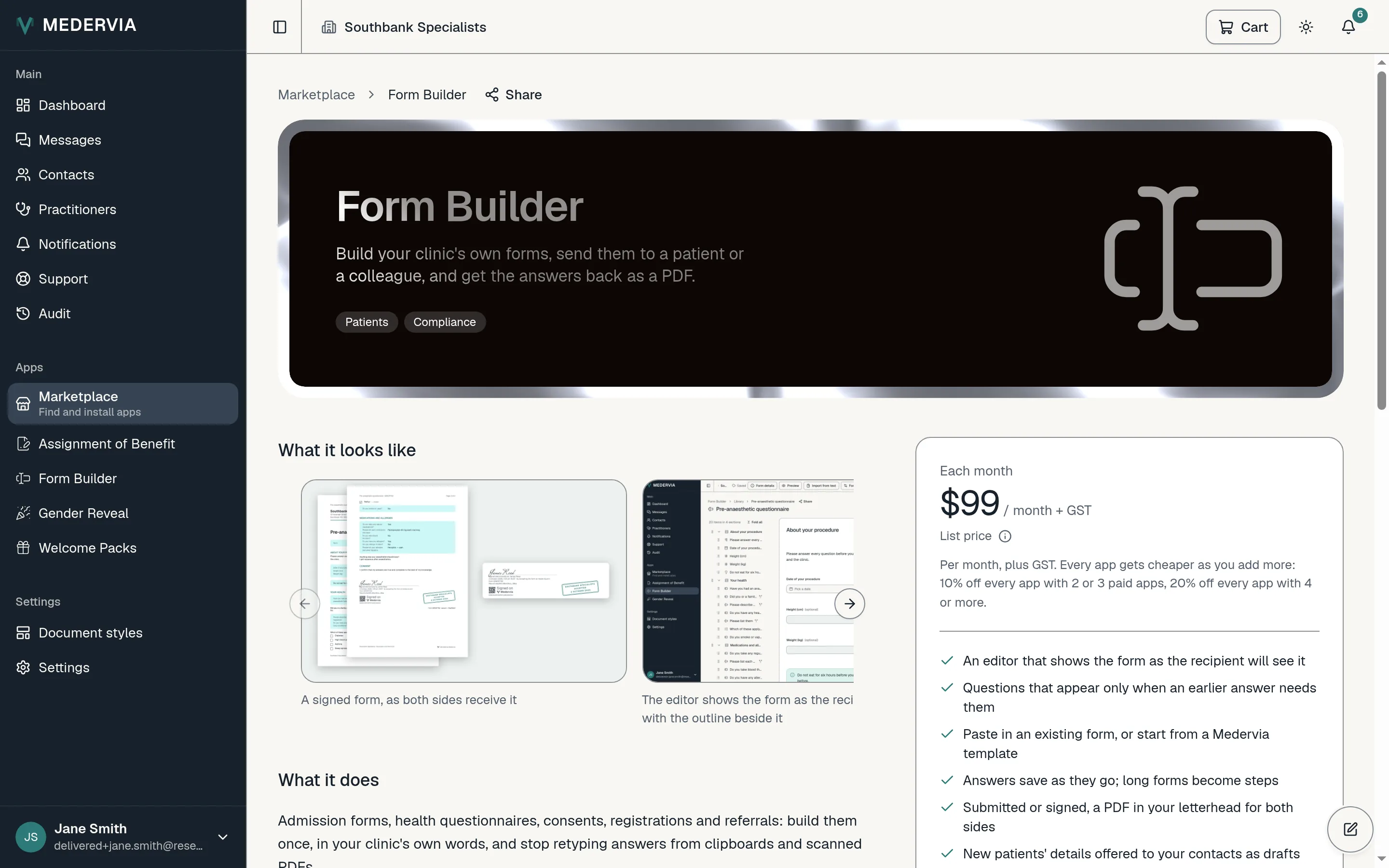
Open Marketplace in the sidebar and choose an app. Its page shows screenshots, what it does and what it costs.
Start the free period
Press Add to cart, open the Cart, and start the free period. You don't need a card and nothing is charged.
The app appears in your sidebar straight away, and its page shows the day the free period ends.
Subscribe
Medervia reminds you in the app three days before the free period ends. Press Subscribe on the app's page whenever you are ready.
The first time, you add a card, or an Australian bank account for direct debit, through Stripe, our payment provider. Apps you add later join the same subscription.
Good to know
- With two or three paid apps, every app is 10% off. With four or more, every app is 20% off. The discount applies to all your apps, including the ones you already had, and you don't need a code.
- Prices are shown without GST. Your invoice adds it.
Next
Still stuck? Open a ticket from Support in the app, or send us a message.