Guides · Getting started
Create your account
Sign up with your name and email, confirm the code, then set up your clinic or join one.
Medervia has no passwords. Each time you sign in on a new device, you get a six-digit code by email.
Open the sign-up page
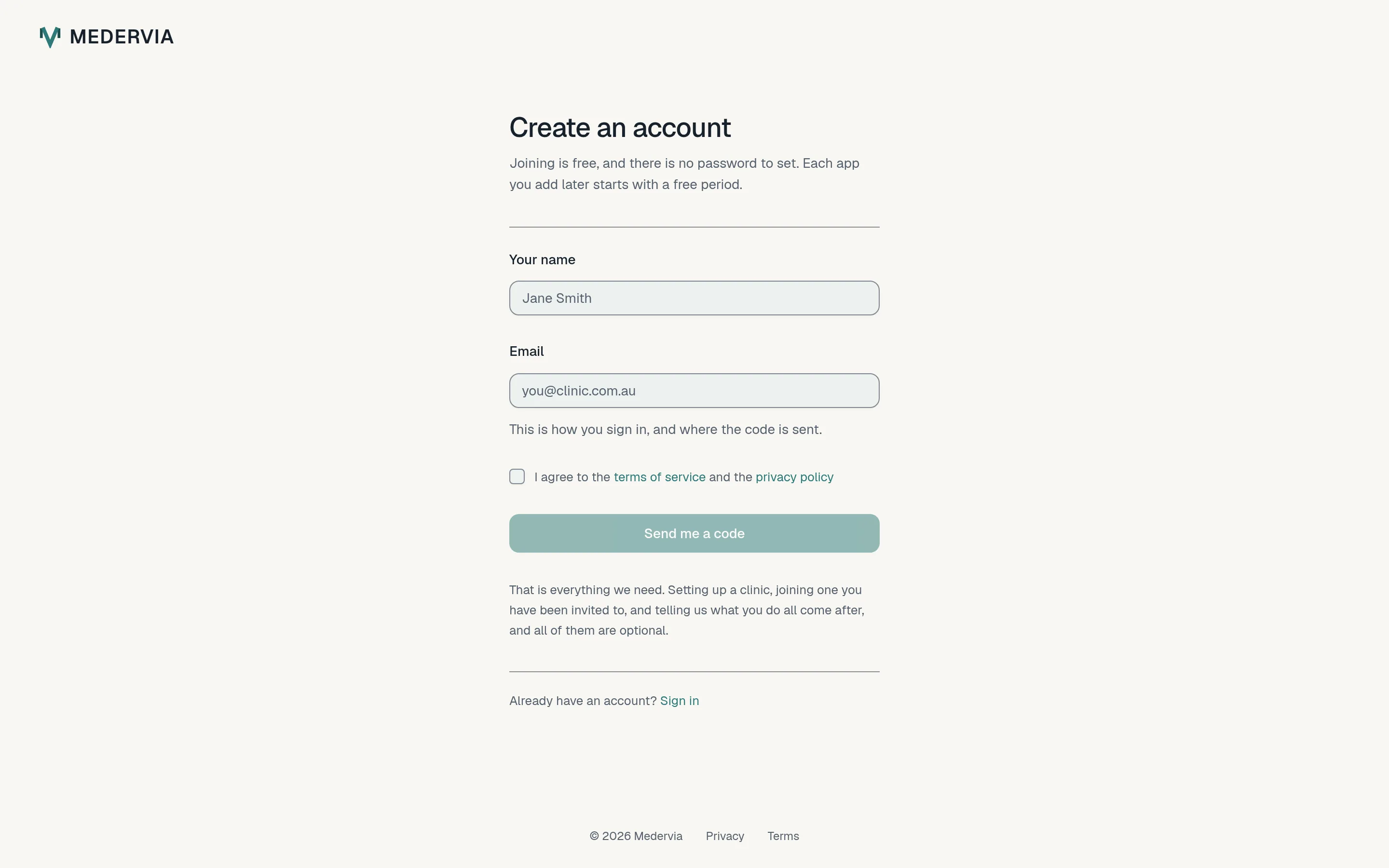
On medervia.com, press Start free. Enter your name and email address, tick the box to agree to the terms and privacy policy, and press Send me a code.
Enter the code
Within a minute you will get an email from Medervia with a six-digit code. Type it in and press Create account.
The code lasts ten minutes. If it runs out, press Send another.
No email? Check your spam folder, then ask for another code.
Set up your clinic, or join one
To start a new clinic, open Set up your clinic, enter the clinic's name and the email address where replies to your clinic should arrive, and press Create clinic. You become the clinic's owner.
If a colleague has invited you, open the invitation link in your email instead. You can also skip this for now with Skip for now, take me in.
Good to know
- One account is one person. If you work at two practices, you keep one account and belong to both clinics, with a role at each.
- To sign in later, press Log in, enter your email, and use the code you are sent.
Next
Still stuck? Open a ticket from Support in the app, or send us a message.