Guides · Your clinic
Import your contacts and patients
Bring patients, people and organisations across from a vCard, Google, Outlook, CSV or Excel file.
Choose the file
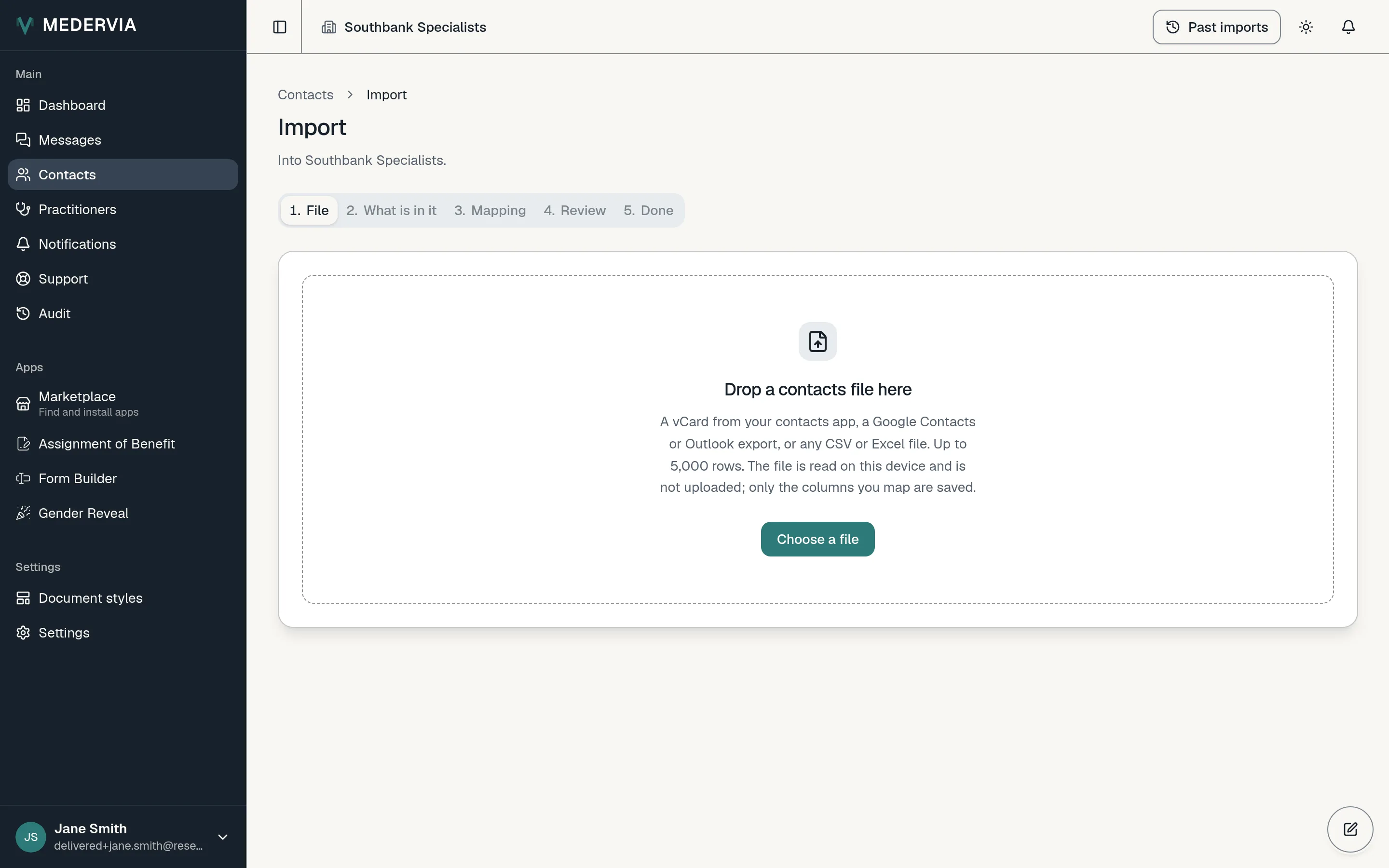
Open Contacts and press Import. Drop your file onto the page, or press Choose a file.
Medervia reads vCards, Google Contacts and Outlook exports, and any CSV or Excel file of up to 5,000 rows. The file is read on your computer; it is never uploaded.
Say what is in it
Choose whether the file holds patients or people and organisations. Each patient needs a date of birth. If it is an Excel workbook, choose the sheet. Then continue.
Match the columns
Match each column in your file to a field in Medervia, or ignore it. Files from Google, Outlook and vCard arrive already matched.
Check and import
You will see how many contacts will be added, how many will update someone you already have, and how many are skipped as duplicates. A duplicate is skipped unless you choose to update it. Press Import to finish.
Good to know
- Changed your mind? An owner or admin can open the import from Past imports and reverse it. Any contact edited since the import is kept.
Next
Still stuck? Open a ticket from Support in the app, or send us a message.