Guides · Billing and your account
Payment details, invoices, and removing an app
Update your card or bank account, download invoices, and remove an app at the end of its billing period.
An owner or admin manages billing. Everyone in the clinic can see it.
Open billing
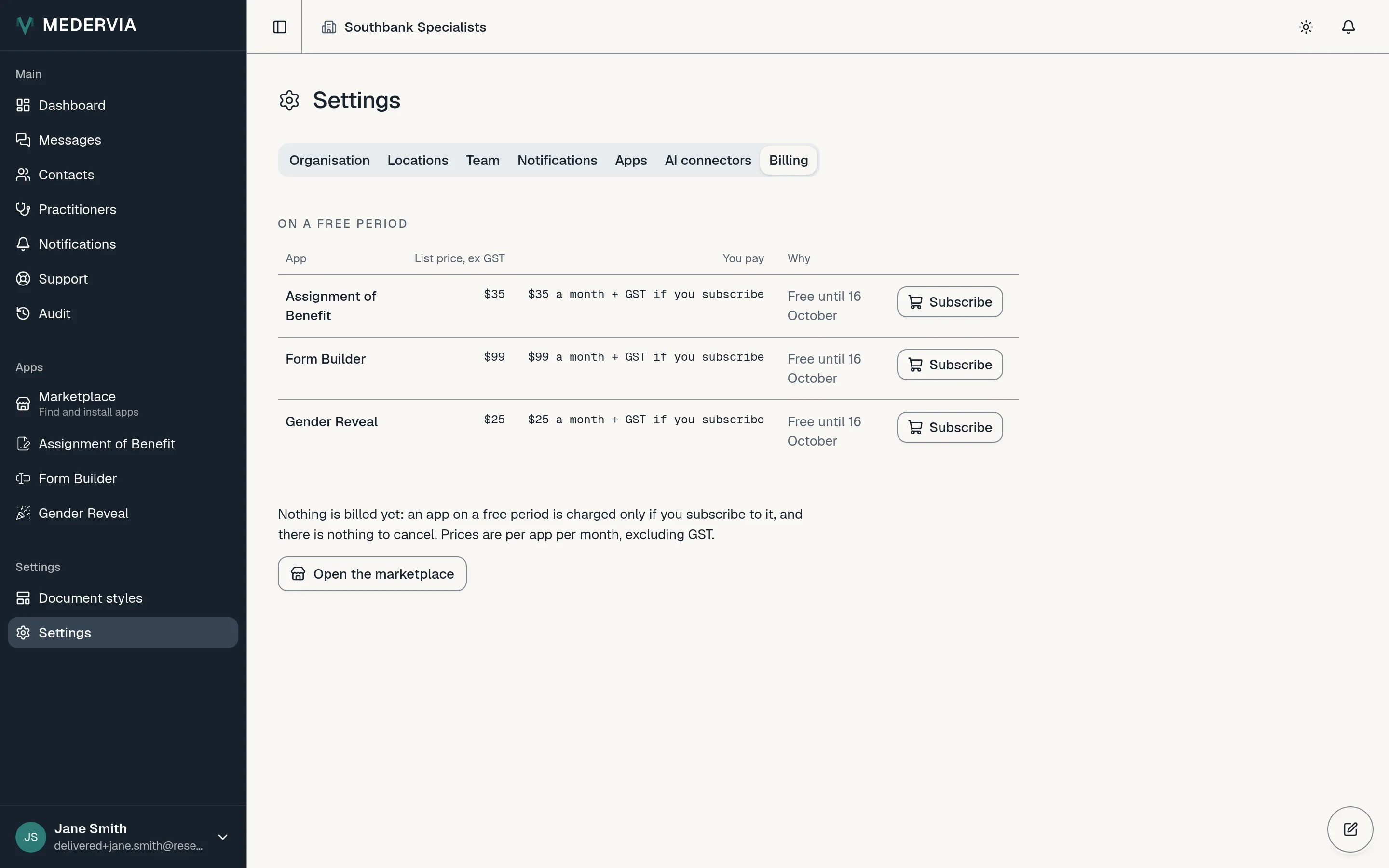
Go to Settings and open the Billing tab. It shows your subscription, each app with its price and any discount, and your next invoice.
Change how you pay or download an invoice
Press Manage payment and invoices. Stripe's page opens, where you can change the card or switch to direct debit from an Australian bank account, and download any invoice. A direct debit takes up to three business days to clear.
Remove an app
Open the app's own Settings and press the remove button at the bottom of the page. The app keeps working until the end of the period you have paid for, and you can change your mind until then.
Good to know
- Everything an app produced stays readable to your clinic and your patients after you remove it.
Next
Still stuck? Open a ticket from Support in the app, or send us a message.