Guides · Gender Reveal
Prepare a gender reveal
Enter the result once, choose a look, and send the patient her reveal room.
Choose the patient
Open Gender Reveal and press New reveal. Choose the patient. Her record needs an email address.
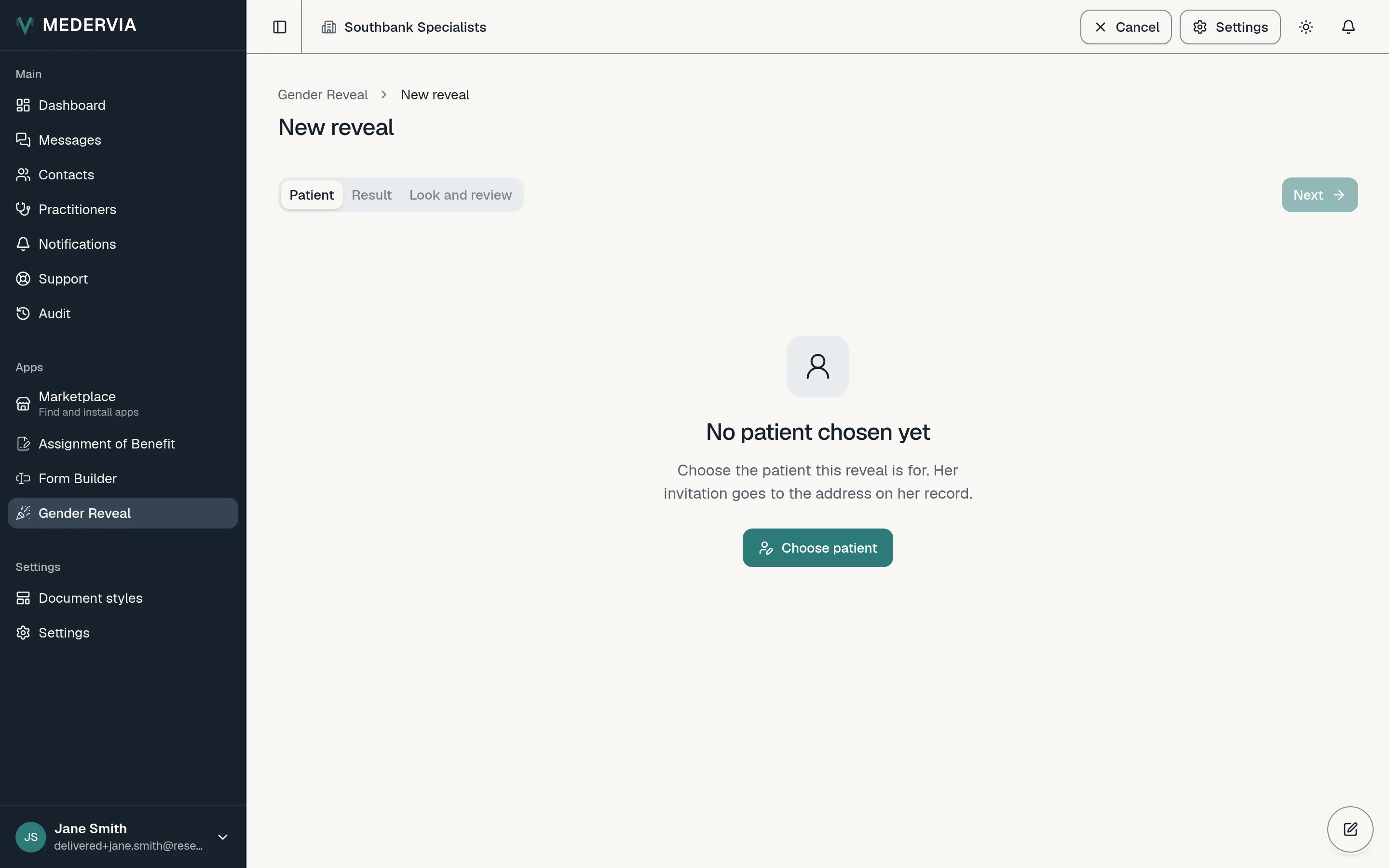
Enter the result
Choose the result, then enter it a second time; the two must match before anything can be sent. Record how it was determined and the date, and if you like the gestation and who determined it.
Choose the look and send
Choose a layout, an effect and a colour palette. The preview stays sealed, so nobody at the desk sees the result. Press Send.
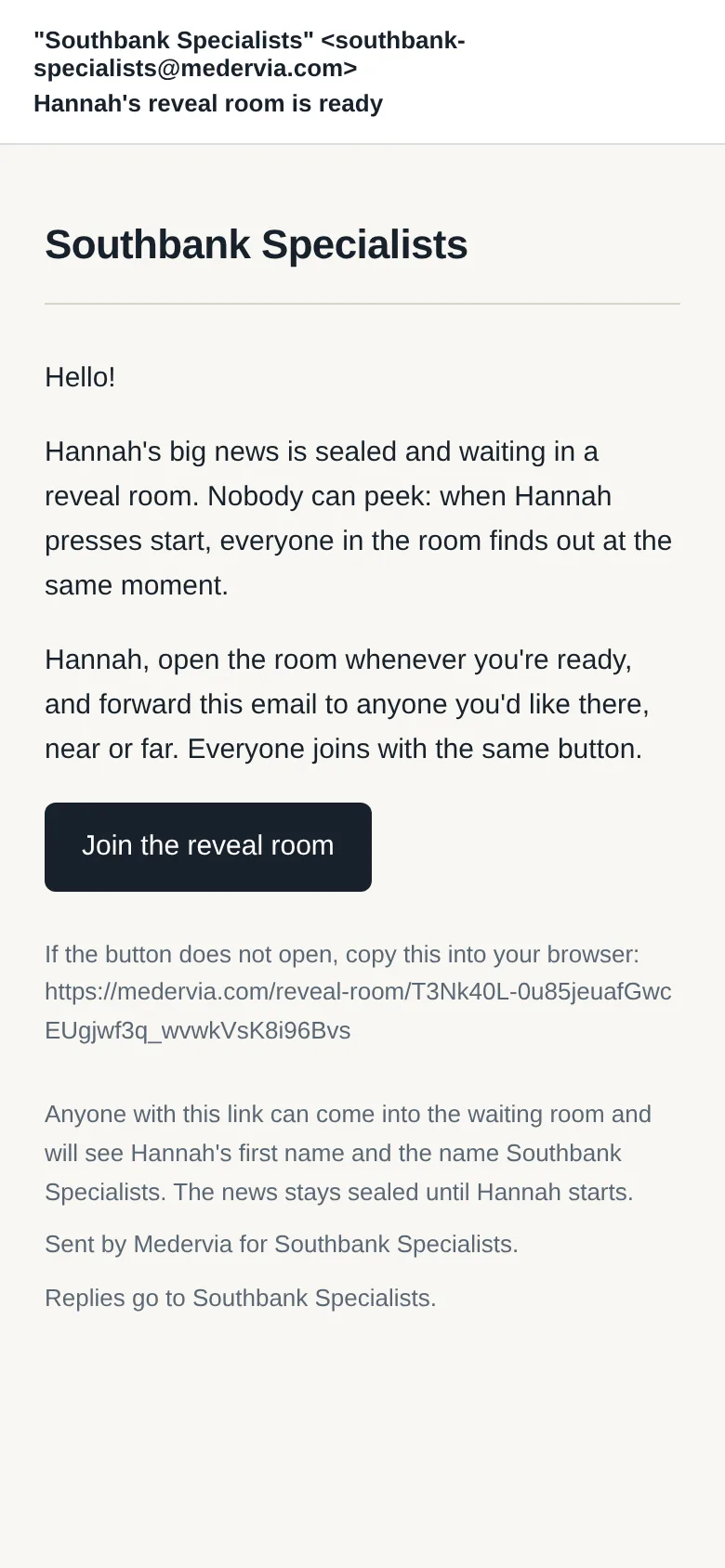
The patient gets an email inviting her to her reveal room, which she can forward to anyone she wants there.
Good to know
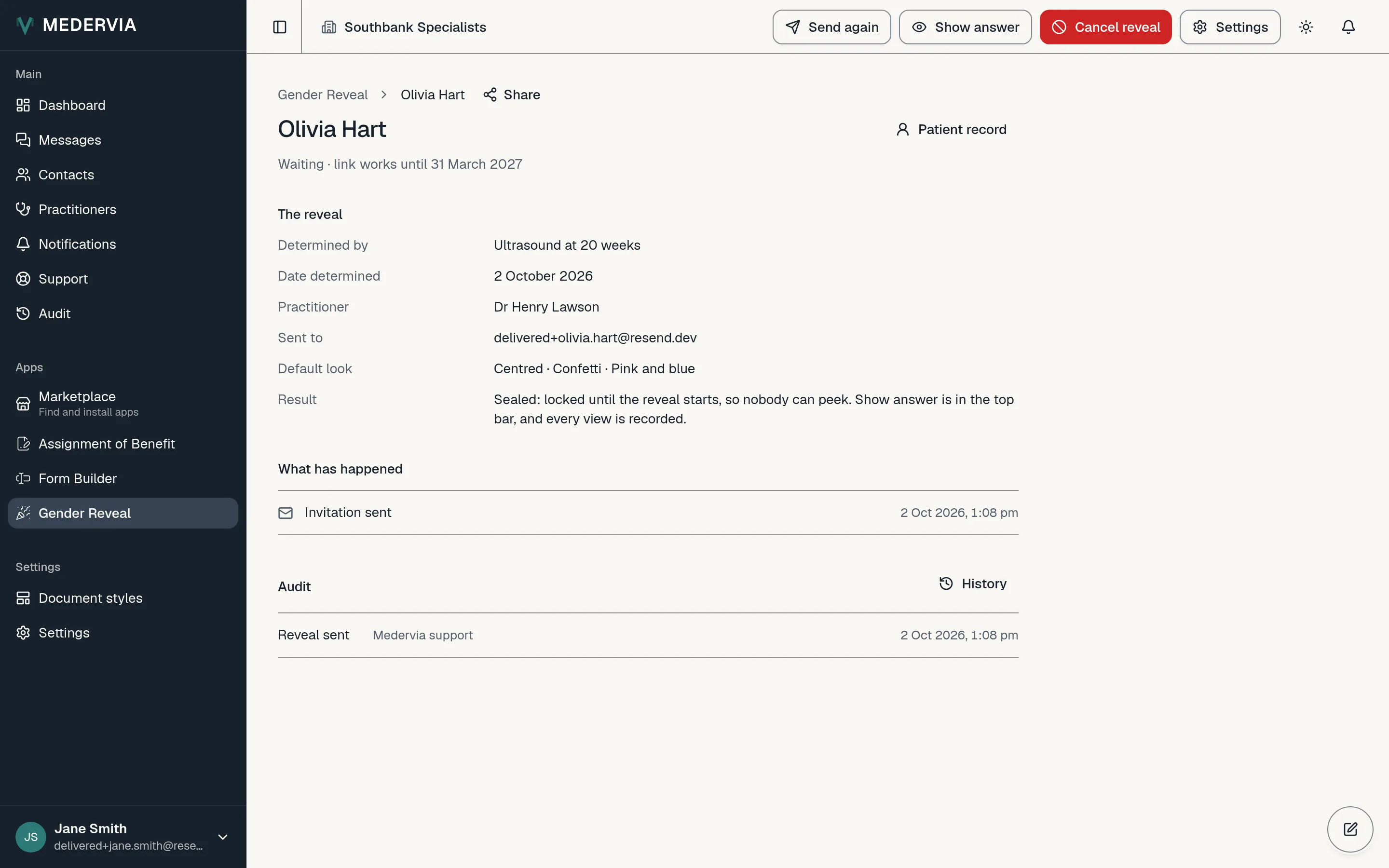
- The result is not in the email, the link or any preview. If you need to see it, press Show answer on the reveal's page; each time is recorded.
- Pressing Cancel reveal closes the room on every screen at once and does not ask why. Medervia never sends the patient reminders.
Next
Still stuck? Open a ticket from Support in the app, or send us a message.