Guides · Handbook
The starter pack, new starters and the Handbook guide
Choose once what every new member must read, see who still has what to do, and know what every clinic starts with.
Owners and admins choose the starter pack and give it. Everyone sees their own outstanding procedures under New starters.
The starter pack is the set of procedures every new member is asked to acknowledge when they join, chosen in one place instead of on each procedure.
Choose the starter pack
Open the Handbook settings with the gear at the top of the Handbook page. Under Starter pack, add the procedures a new starter must read, such as opening the clinic, fire evacuation and needlestick injuries, and press Save starter pack.
From then on, anyone who joins the clinic is asked to acknowledge each of them the day they join, and reminded like anyone else. Choosing the pack asks nobody already in the clinic.
Give it to someone already here
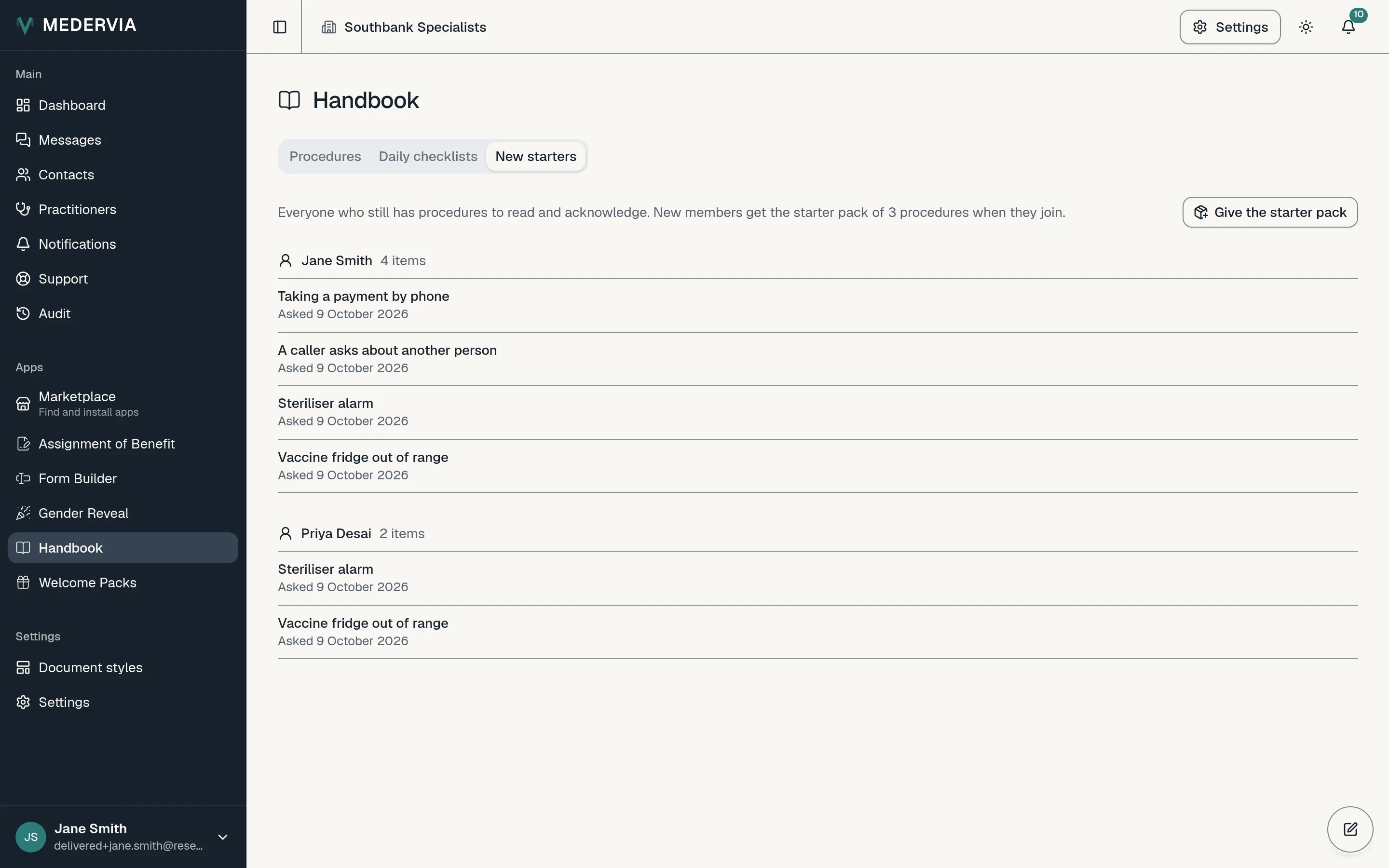
Open the New starters tab on the Handbook page, press Give the starter pack and choose the person. They are asked about anything in the pack they have not yet acknowledged.
Follow new starters
The New starters tab lists everyone with acknowledgements still to do, and how many. A person whose reminders have all been sent is marked Every reminder sent. A procedure set to Everyone is asked of new starters too, whether or not it is in the pack.
Start from the Handbook guide
Every clinic's Handbook begins with the Handbook guide: nine procedures and a daily checklist on using Handbook, published by Medervia and required of nobody, with its Start here page pinned at the top of the list. They are your clinic's pages now: read them, change them, or archive them when the team no longer needs them.
The guide's Your first week checklist walks whoever is setting Handbook up through the first steps. Assign it to yourself from its Assignments tab.
Good to know
- Someone who leaves the clinic is taken out of every rule and their open requests close.
- The settings also hold a one-page Staff notice saying what Handbook records about your staff, filled in with your clinic's name and settings. Press Add to the handbook as a draft, change it as you wish, publish it, and ask everyone to acknowledge it.
Next
Still stuck? Open a ticket from Support in the app, or send us a message.