Guides · Billing and your account
Get help from us
Ask us for help from inside Medervia, with screenshots, and follow our replies.
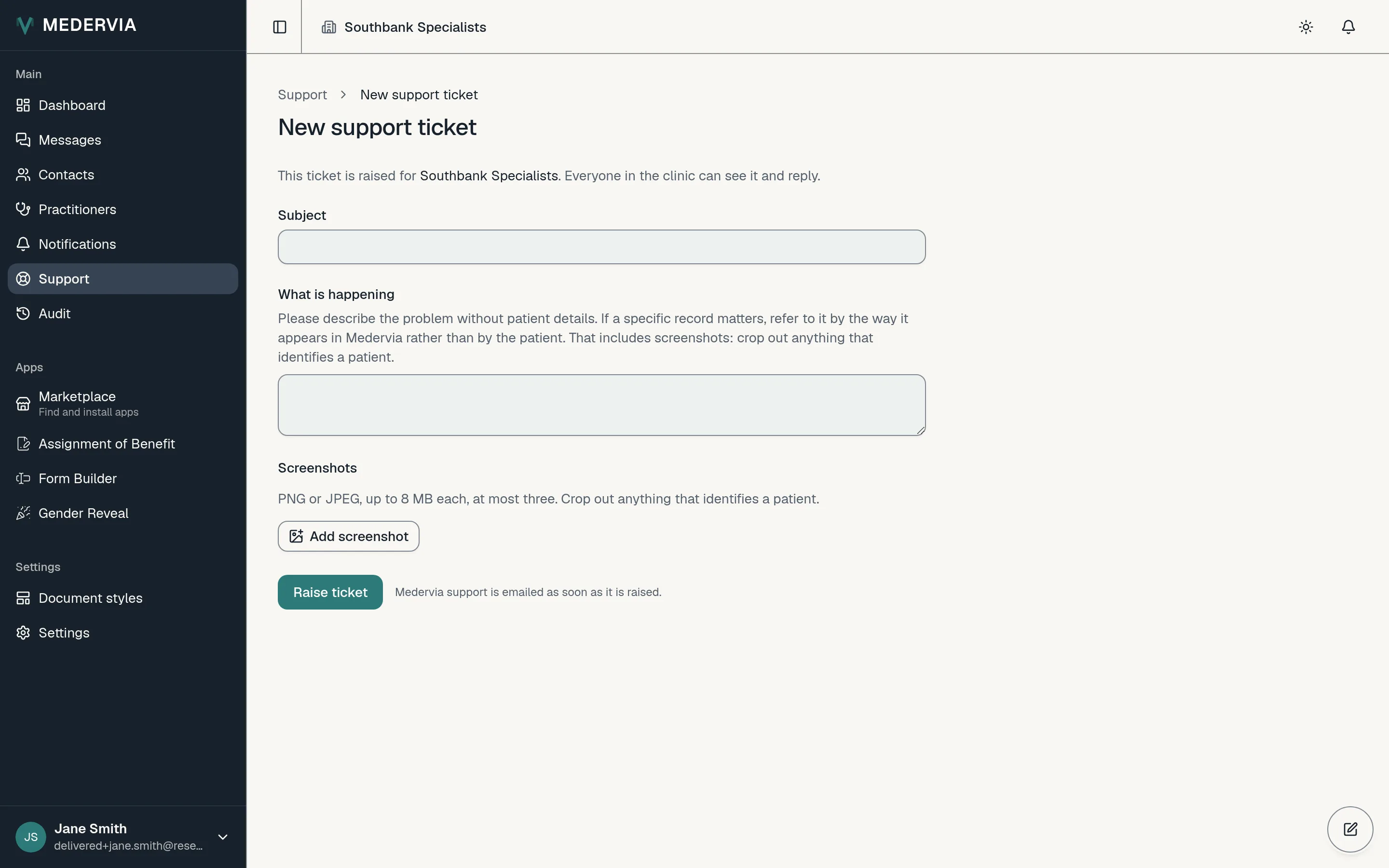
Open a support ticket
Open Support in the sidebar and press New ticket. Give it a subject and tell us what is happening. You can add up to three screenshots; crop out anything that identifies a patient. Press Raise ticket.
Follow our replies
Our replies appear on the ticket and arrive by email, and you can answer either way. Everyone in your clinic can see your clinic's tickets.
Next
Still stuck? Open a ticket from Support in the app, or send us a message.