Guides · Form Builder
Add new patients from a form
Turn the details patients give in a form into contacts, without retyping them.
Open the waiting details
In Form Builder, press Patient details. Each entry is a new patient, an update to a patient you already have, or a likely duplicate.
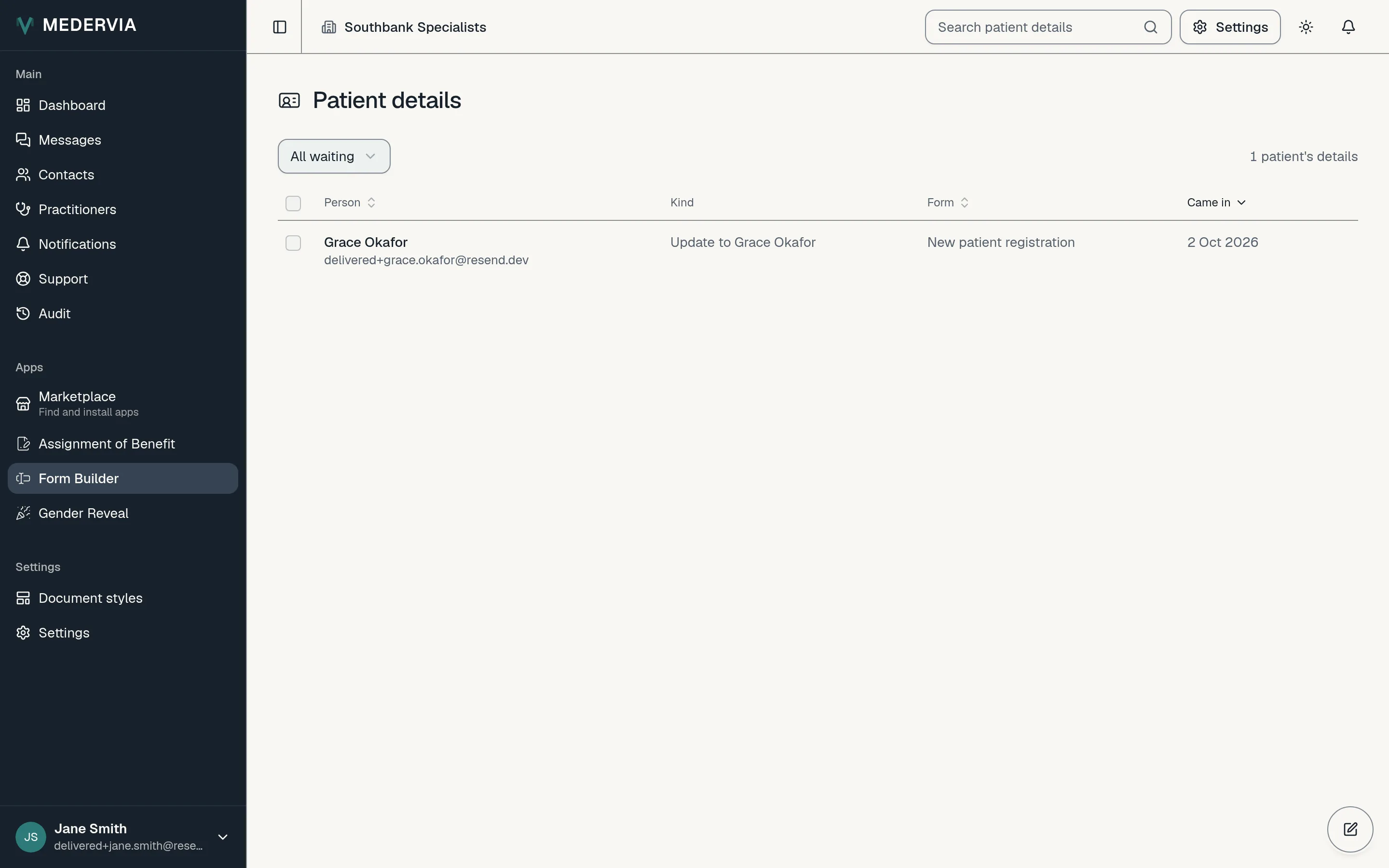
Accept, match or discard
For a new patient, press Accept as a new patient. If they are someone you already have, press Use existing patient instead.
For an update, tick the changes you want and apply them. If you don't want the details at all, press Discard.
Good to know
- Details nobody reviews are discarded after a number of days, which you set in Form Builder's Settings.
Next
Still stuck? Open a ticket from Support in the app, or send us a message.