Guides · For patients
What your patients see
The email, signing in with a code, accepting an agreement or filling in a form, and their portal.
An email from your clinic
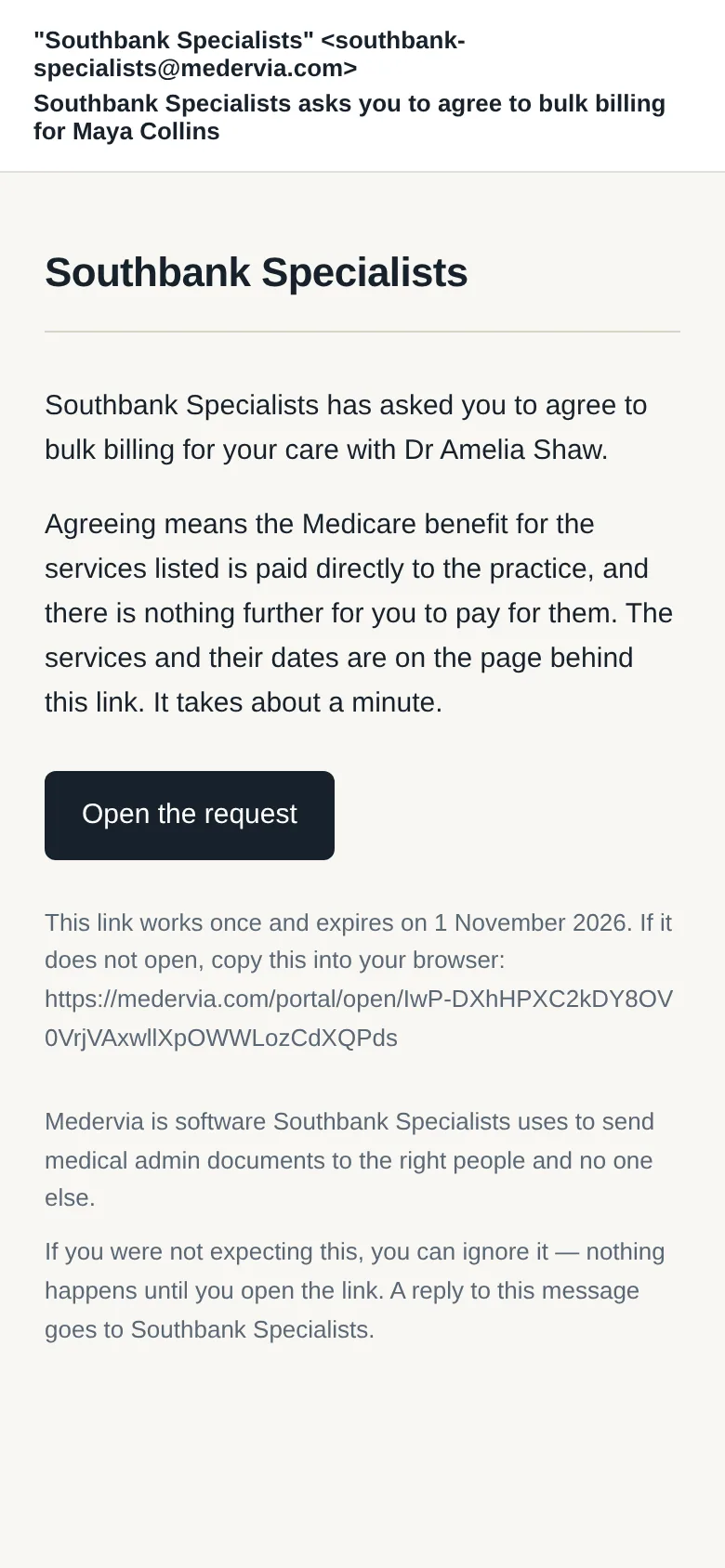
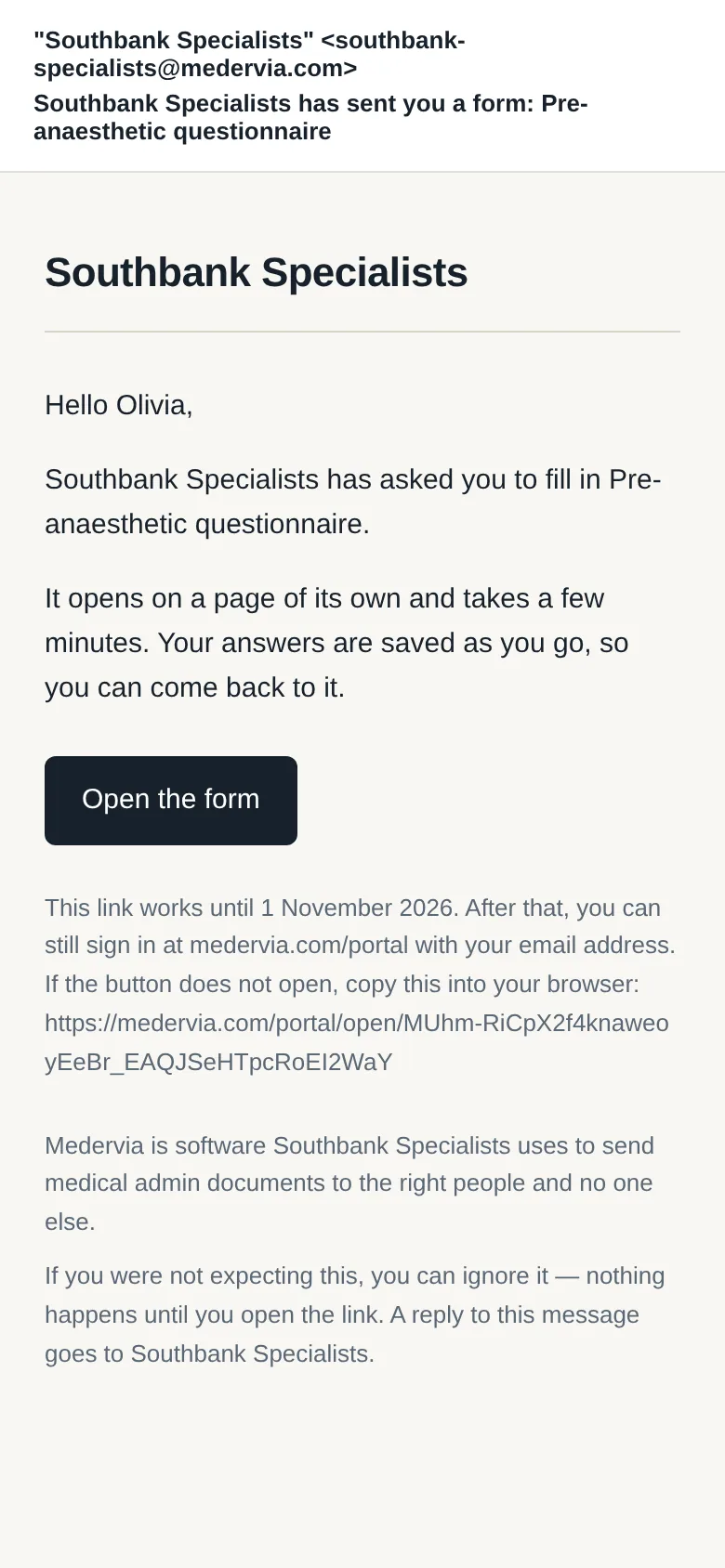
The email comes from your clinic's own address and carries your clinic's name, with one button to open the request, the form or the reveal room. If the patient replies, the reply goes to your clinic's mailbox.
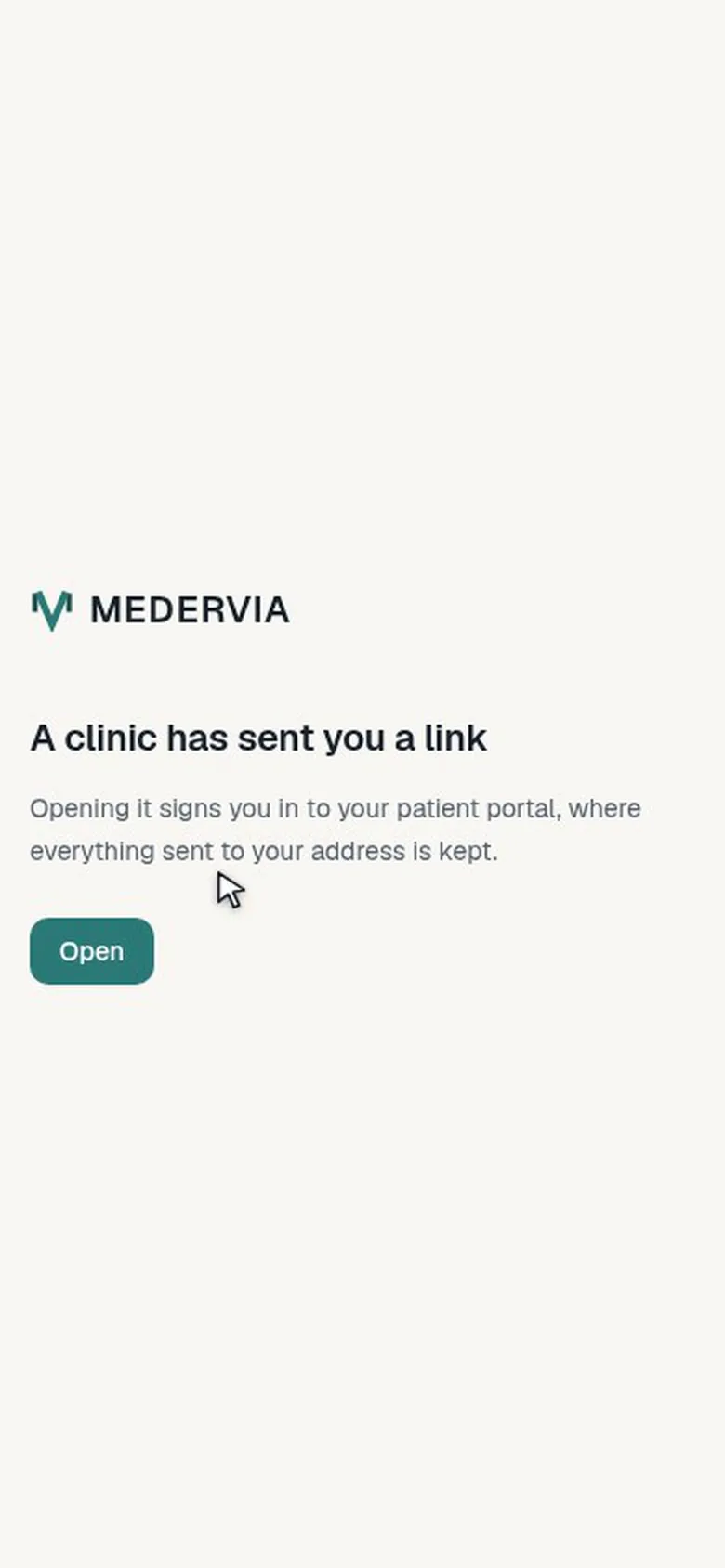
No password
The button signs them in. If the link has been used or has expired, they ask for a six-digit code by email and carry on.
Accepting an agreement
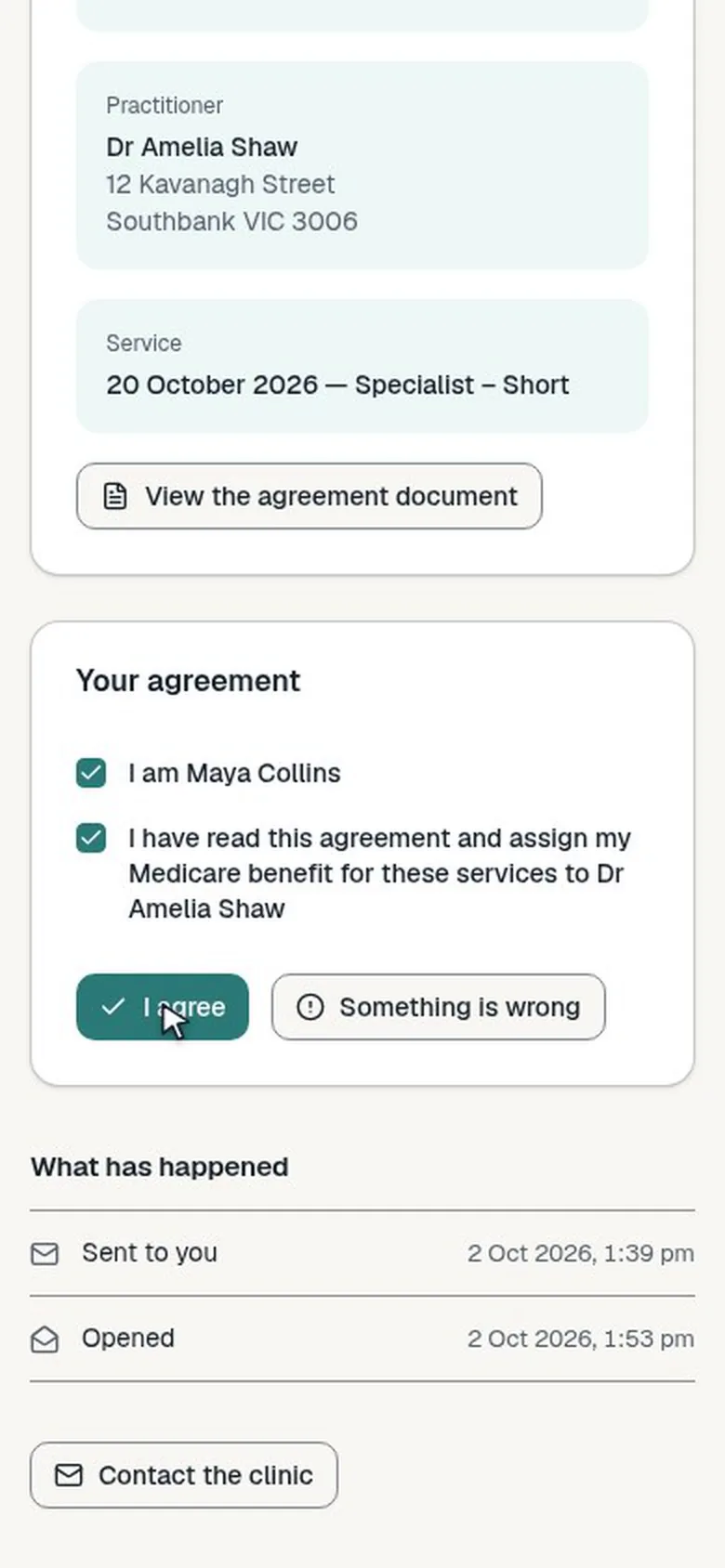
They read the whole agreement, tick that they are the patient (or responsible for them) and that they have read it, then agree, or tell you something is wrong.
Filling in a form
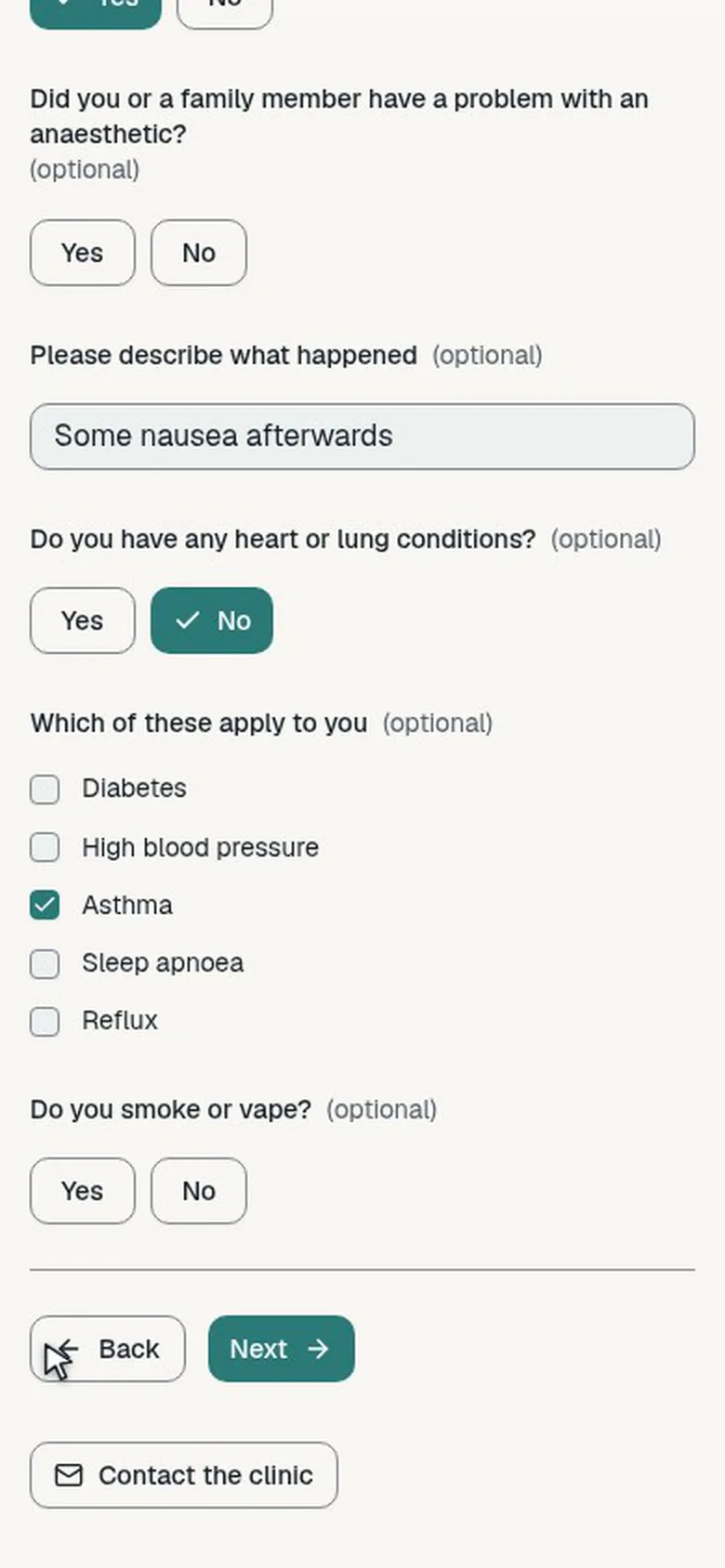
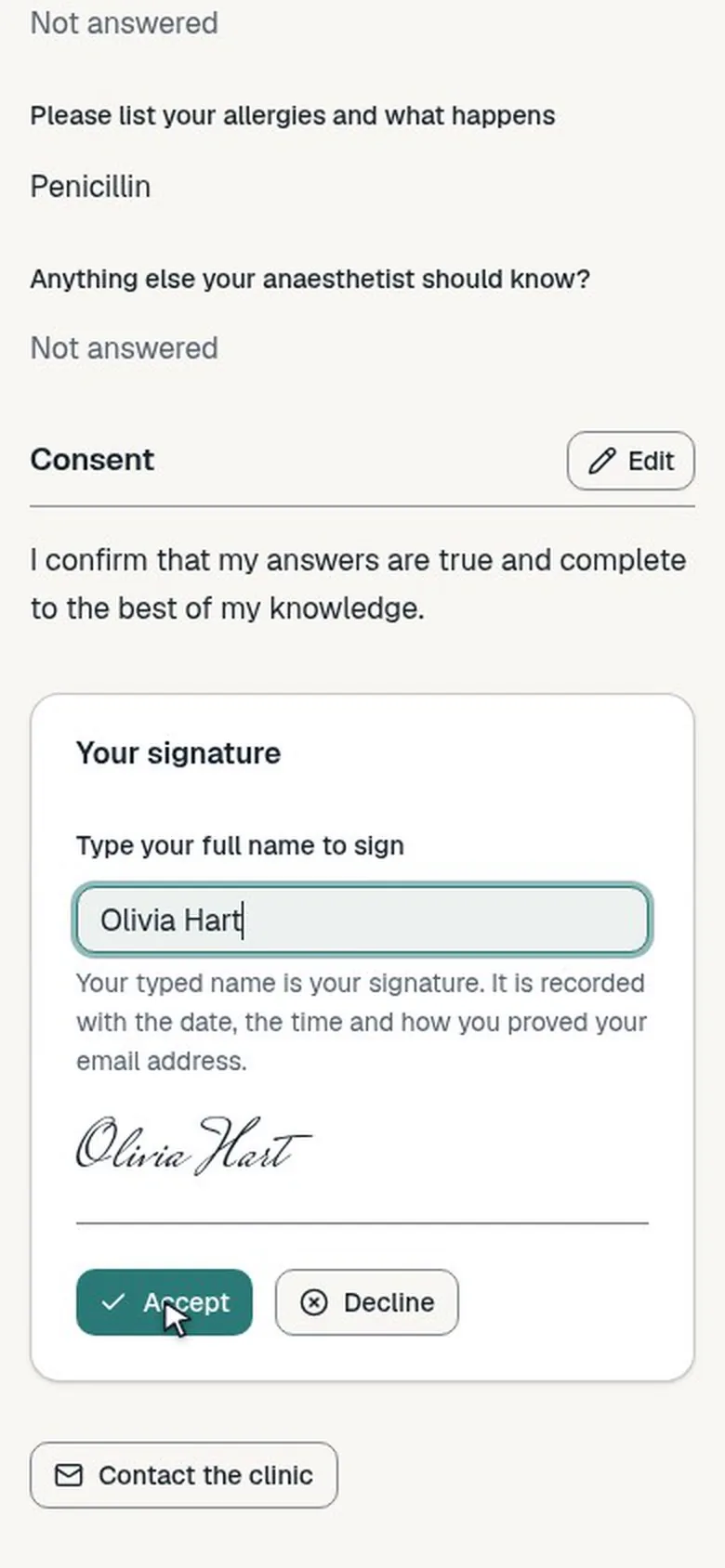
A long form is shown as steps with progress, and answers save as they type. At the end they check their answers and submit, or sign and accept or decline.
Their portal
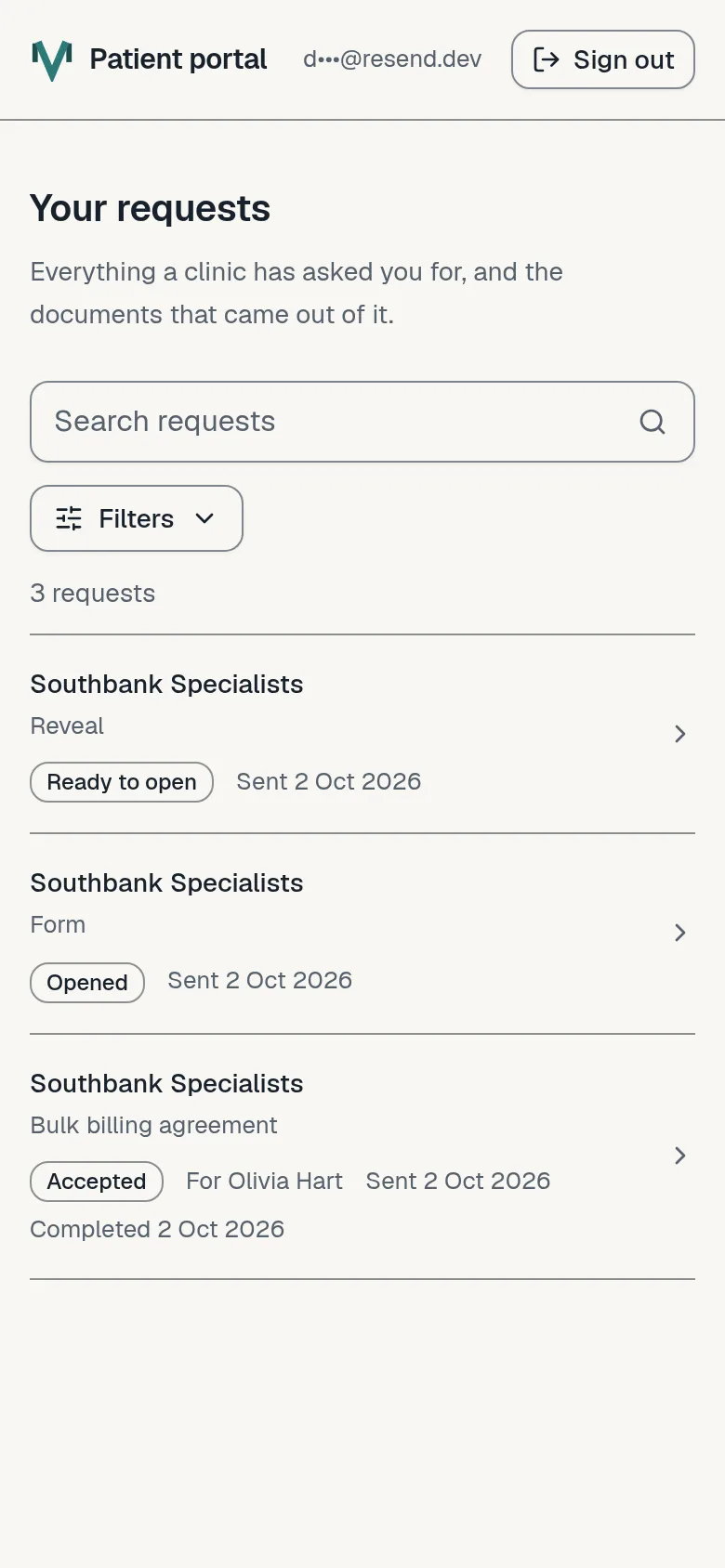
Everything any clinic using Medervia has sent them is listed in one place, with their copies to download.
Next
Still stuck? Open a ticket from Support in the app, or send us a message.