Guides · For patients
Hosting a reveal room
For the parent: open the room, let your family in, and start the reveal when everyone is there.
Open your room
Open the email from your clinic and press Join the reveal room. Tell the room it is you, and enter the code we email you. If you open the room from your patient portal, you are the host straight away.
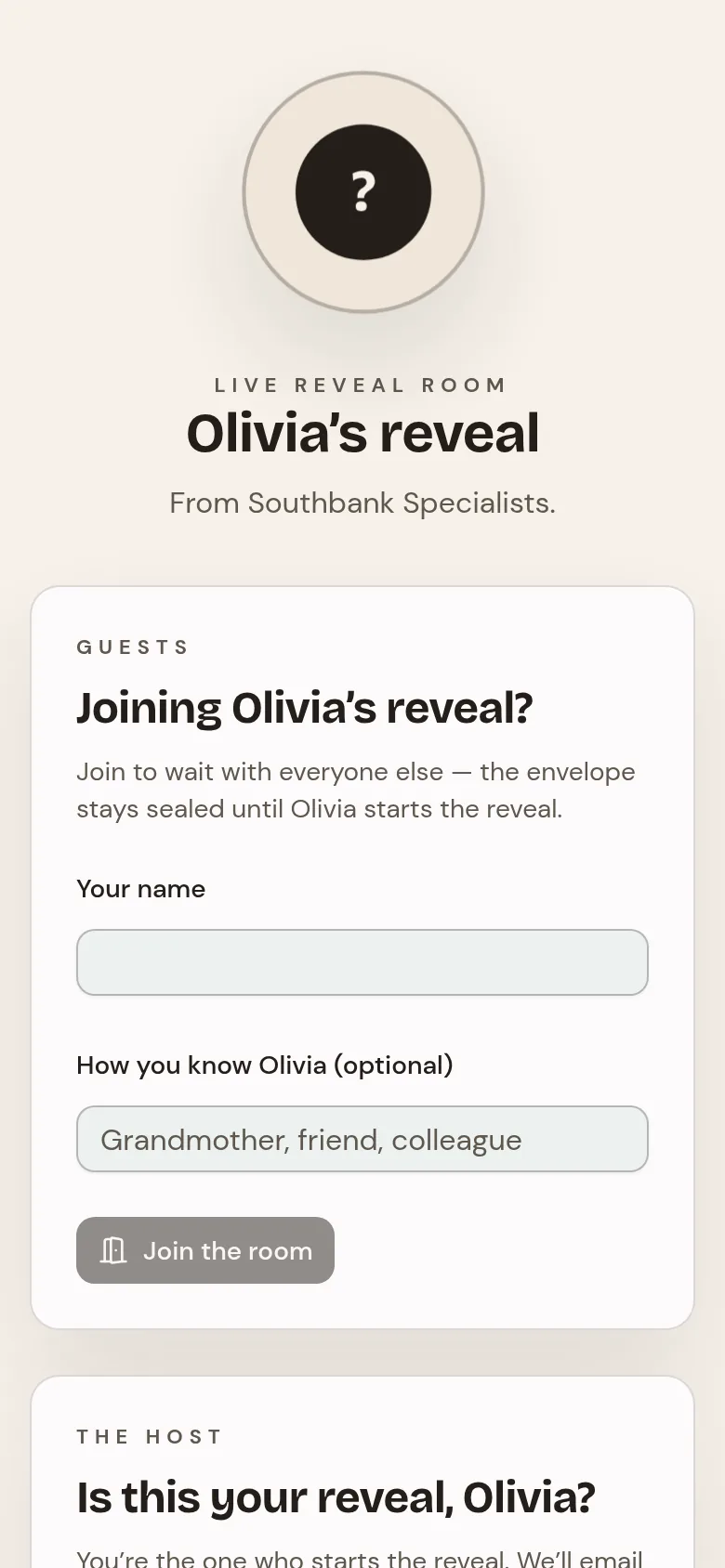
Let your family in
Forward the clinic's email to anyone you want there. People with you in the room can scan the QR code on your screen. You can remove someone, or lock the room so nobody else can join.
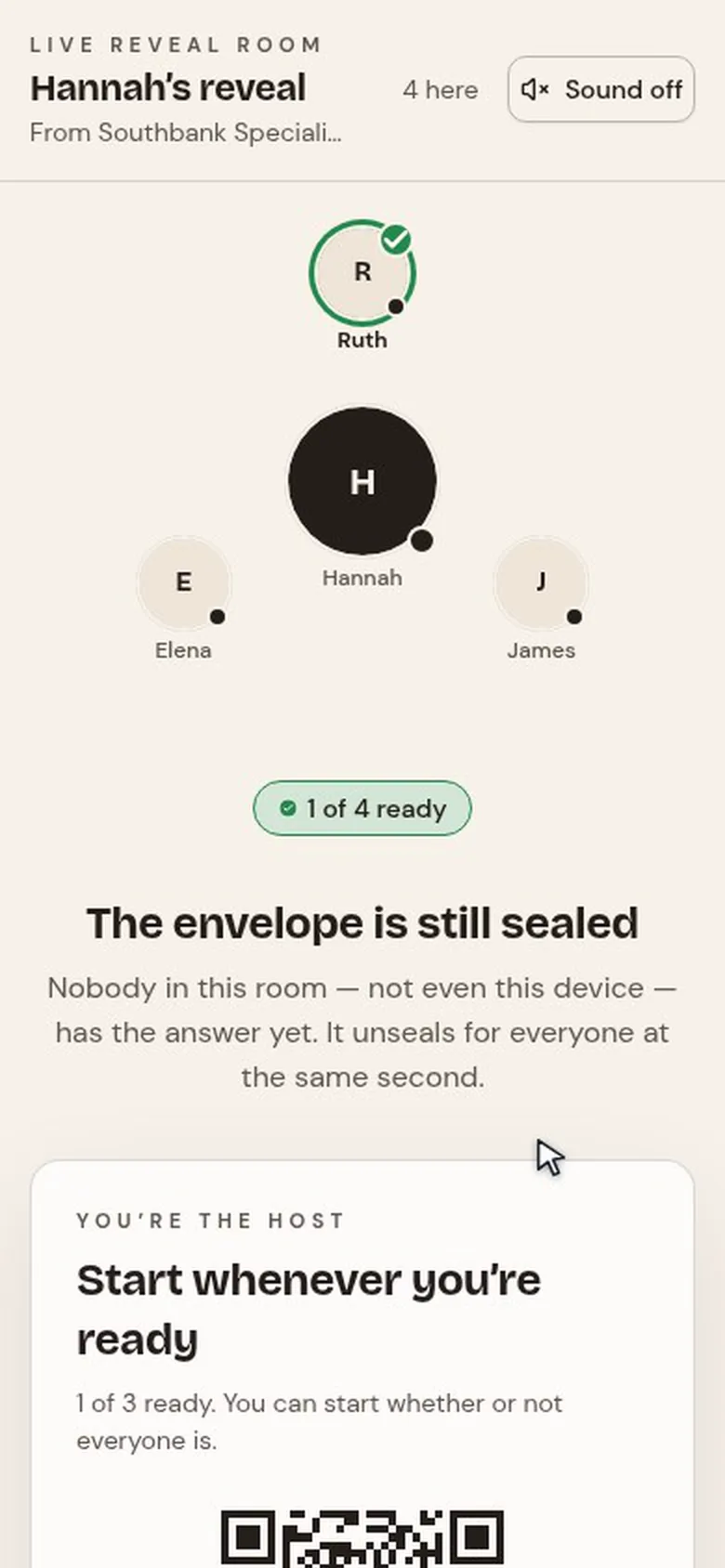
Start the reveal
When everyone is in, press Start the reveal. Every screen counts down together and shows the result at the same moment.

Keep the moment
Afterwards you can download a keepsake certificate, from the room or from your patient portal, for 30 days.
Next
Still stuck? Open a ticket from Support in the app, or send us a message.