Guides · Getting started
Add your practitioners and provider numbers
Build the roster your documents draw on, with each practitioner's provider number at each location.
An owner or admin can add practitioners. A practitioner can keep their own details up to date.
Add a practitioner
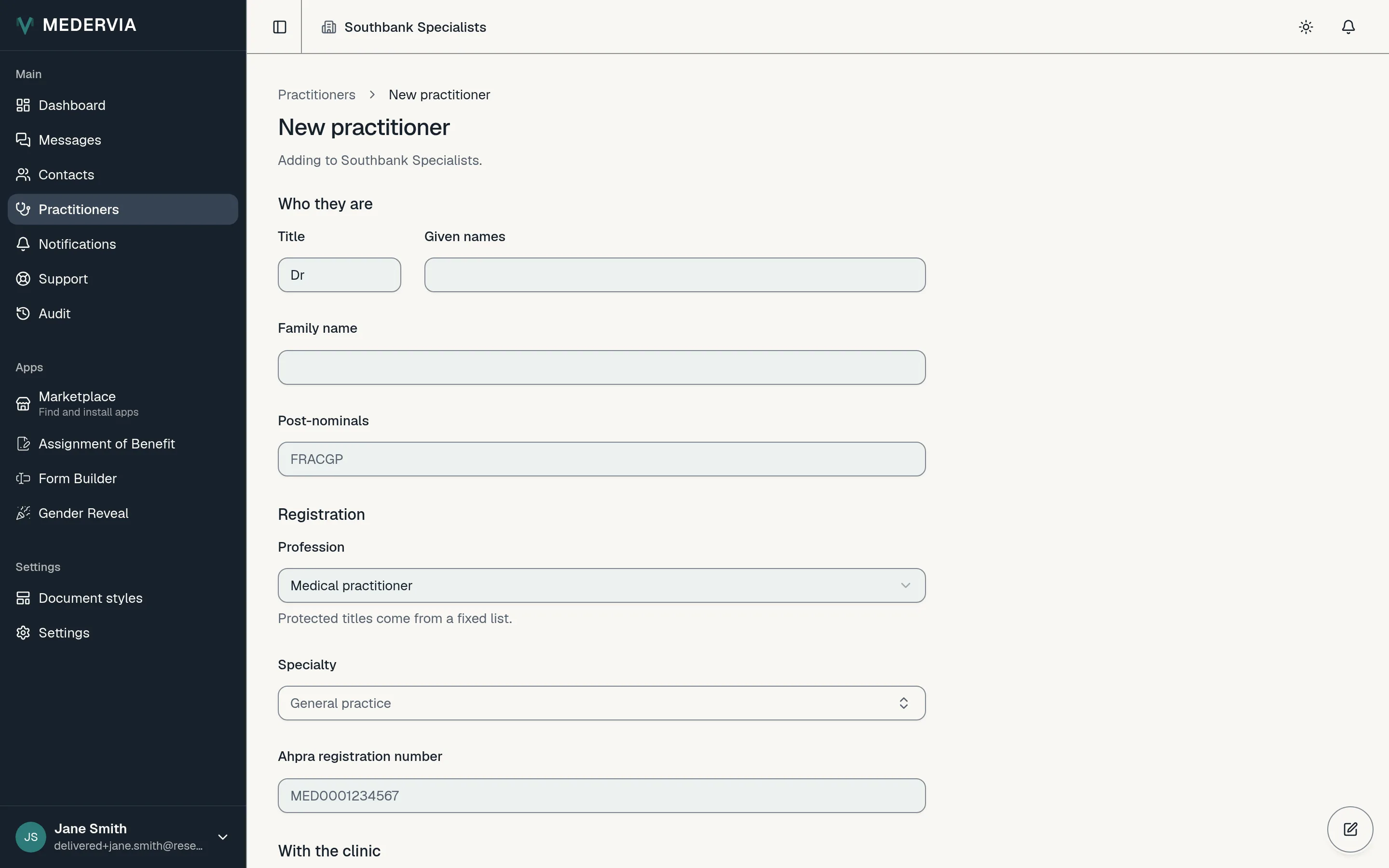
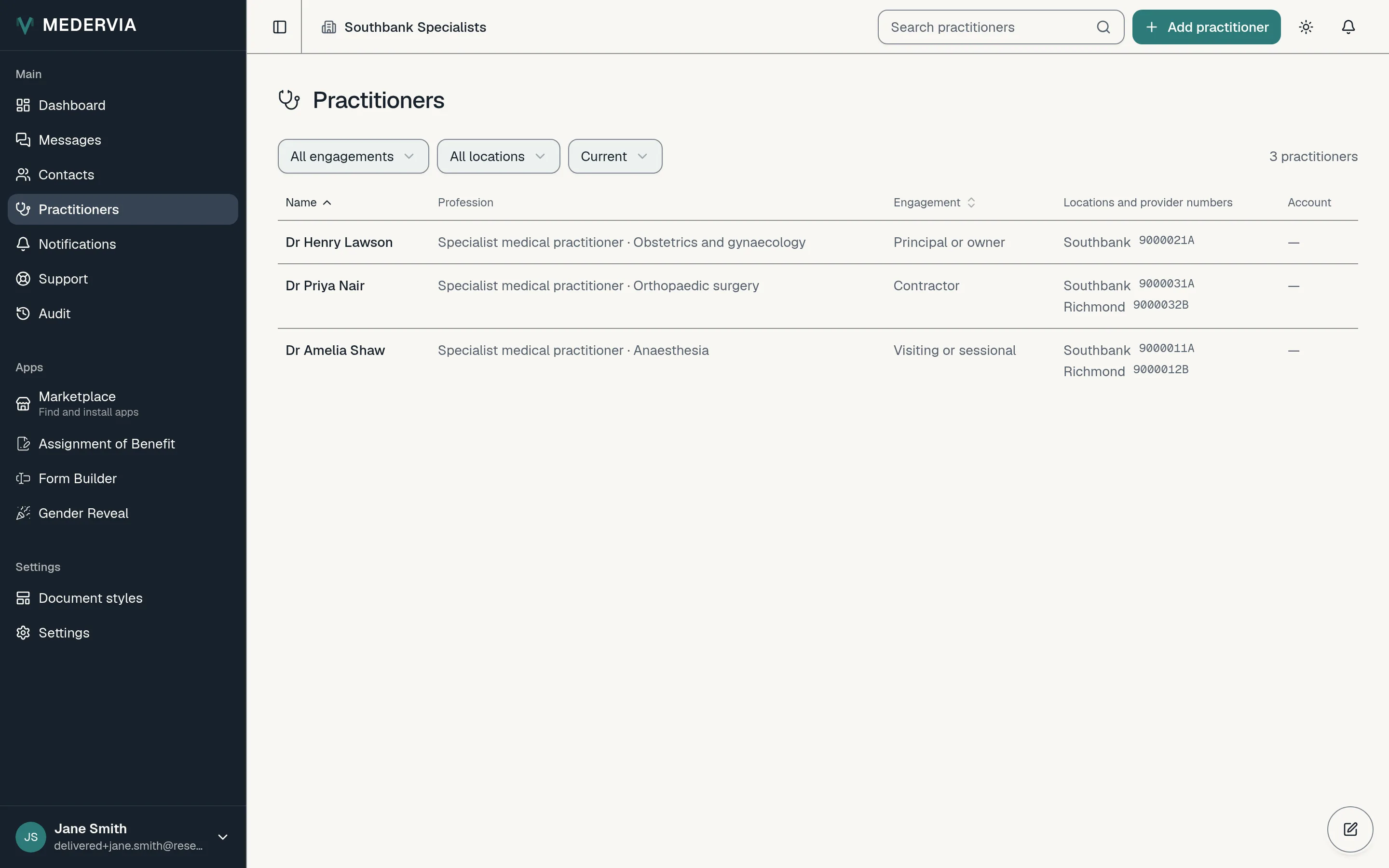
Open Practitioners in the sidebar and press Add practitioner. Enter their title, names and post-nominals, then their profession, specialty and Ahpra registration number.
Add where they practise
Under Where they practise, tick each of your locations they work at and enter their provider number for that location.
If you don't have a provider number yet, leave it blank. The record shows it as missing until you add it.
Give them their own sign-in (optional)
On the practitioner's page, invite them to sign in, or link them to someone already in your team. Once linked, they can update their own details.
Good to know
- When a practitioner leaves, press End and enter their last day. Nothing is deleted, and documents they were named on stay as they were.
Next
Still stuck? Open a ticket from Support in the app, or send us a message.